ChatGPT + WordPress Integration
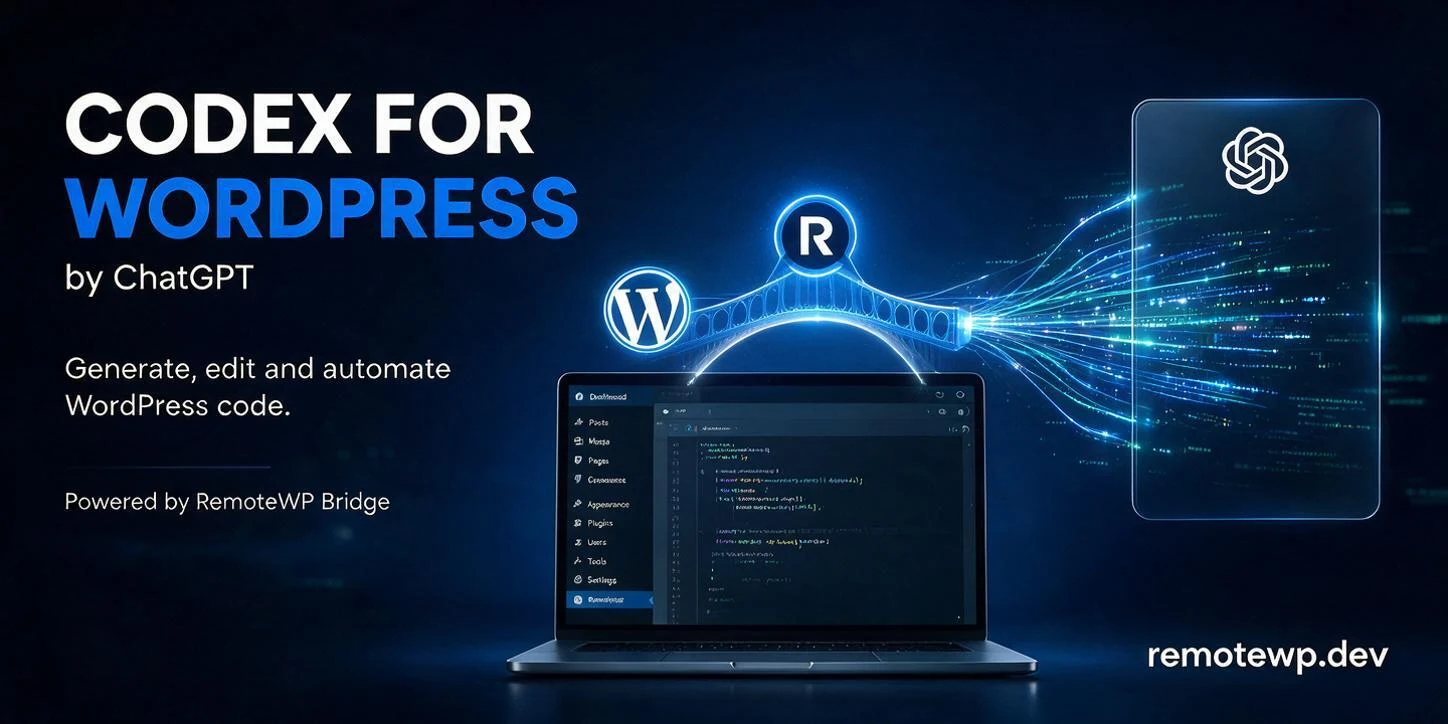
OpenAI / ChatGPT Logo + WordPress Logo

Connect ChatGPT to WordPress
— Manage Sites with AI

RemoteWP gives ChatGPT (GPT-4, GPT-4o) secure access to your WordPress files, theme, and content. No FTP. No SSH.

✦ GPT-4o ✦ GPT-4 ✦ GPT-4 Turbo ✦ Custom GPTs ✦ OpenAI API
View Pricing
No credit card required Works with ChatGPT Free & Plus Custom GPT support OpenAI API compatible

ChatGPT + RemoteWP in 3 Steps

From zero to ChatGPT controlling your WordPress site in under 5 minutes.

Step 01

Install RemoteWP on WordPress

Upload the RemoteWP plugin to your WordPress dashboard with a single click. Activate it, generate your secure API key, and you're ready. Zero server configuration needed.

Step 02

ChatGPT Connects via Secure API

Add your RemoteWP endpoint to ChatGPT as a custom action or GPT tool. ChatGPT communicates via an encrypted token — your SSH passwords and server credentials stay private, always.

Step 03

ChatGPT Reads, Proposes & Applies

ChatGPT browses your WordPress files, proposes changes in plain English, and applies them — within the directories you explicitly authorize. You stay in full control at all times.

What ChatGPT Can Do on Your WordPress Site

RemoteWP transforms ChatGPT from a chat assistant into a hands-on WordPress AI agent capable of real, meaningful work.

Edit Themes & Templates

ChatGPT reads your active theme, child theme files, and template parts — then modifies them precisely based on your instructions in plain English.

Fix SEO Issues

Audit and fix meta tags, OG data, heading hierarchy, schema markup, and on-page SEO factors. ChatGPT handles the analysis and implementation in one go.

Manage Content & Posts

Create, edit, rewrite, or restructure posts and pages at scale. ChatGPT handles content strategy and execution — you just approve the changes.

Debug PHP Errors

ChatGPT reads PHP error logs, traces bugs to their root cause, and applies targeted code fixes — dramatically faster than manual debugging sessions.

Update CSS & Design

Describe your design changes in natural language. ChatGPT writes or modifies CSS, implements responsive fixes, and even adds micro-animations to your site.

Audit Site Performance

Inspect plugin configs, identify render-blocking resources, analyze .htaccess, and get actionable performance improvements — all via conversation.

Works with Every GPT Model

RemoteWP is fully compatible with the entire OpenAI model lineup — from the ChatGPT interface to the raw API and custom GPTs.

GPT-4o

Fastest & Most Capable

Use GPT-4o for real-time WordPress tasks that demand speed and precision. The default choice for most RemoteWP users.

GPT-4 / GPT-4 Turbo

Deep Reasoning

Complex debugging, architectural decisions, and large-scale content restructuring — GPT-4 handles them with unmatched depth.

Custom GPTs

Your Own WordPress AI Agent

Build a custom GPT tuned specifically for your agency or site. Add RemoteWP as a tool action and share it with your whole team.

ChatGPT / OpenAI

Ready to give ChatGPT access to WordPress?

Join thousands of developers, designers, and agency owners managing WordPress with ChatGPT — smarter and faster than ever.

Simple, Transparent Pricing

Start free and scale as you grow. No hidden fees. Cancel anytime.

Free
$0
forever
  • 1 WordPress site
  • ChatGPT AI access
  • Core file operations
  • Community support
Agency Elite
$149
per year
  • Unlimited sites
  • All AI agents
  • White-label ready
  • Team collaboration
  • Dedicated support
Get Agency Elite
Lifetime
$349
one-time
  • Unlimited sites forever
  • All future features
  • All AI agents
  • Lifetime updates
  • Priority support
Get Lifetime Access

Frequently Asked Questions

Everything you need to know about connecting ChatGPT to WordPress with RemoteWP.

Is RemoteWP officially affiliated with OpenAI?

+

No. RemoteWP is an independent WordPress plugin and is not affiliated with, endorsed by, or officially connected to OpenAI. RemoteWP integrates with ChatGPT and the OpenAI API through their publicly available interfaces — the same way any developer would. We simply make the connection effortless for WordPress users.

Is my WordPress site safe when ChatGPT has access?

+

Absolutely. RemoteWP uses a scoped permission model — ChatGPT can only access the directories and actions you explicitly enable. Your database credentials, server passwords, cPanel login, and FTP access are never transmitted. All API communication is encrypted. You can revoke access instantly from the WordPress admin panel.

What can ChatGPT actually do with RemoteWP?

+

ChatGPT can read and write WordPress files, manage posts and pages, edit themes and plugin files, read PHP error logs, audit SEO, update CSS, analyze site structure, and much more. The exact scope is controlled by your RemoteWP permission settings — you decide exactly what ChatGPT can and cannot touch.

Do I need technical skills to set this up?

+

No technical background required. If you've ever installed a WordPress plugin, you can set up RemoteWP. The entire process takes under 5 minutes: install the plugin, activate it, generate your API key, and paste the endpoint into ChatGPT as a custom action. Detailed step-by-step documentation is included with every account.

Does this work with custom GPTs?

+

Yes! You can add RemoteWP as a custom action in any custom GPT you build on OpenAI. This lets you create a dedicated "WordPress AI agent" GPT for your agency, complete with custom instructions, branding, and behaviors — powered by RemoteWP under the hood.

How do I connect ChatGPT to my WordPress site?

+

Install the RemoteWP plugin on WordPress and generate your API token. Then, in ChatGPT (or your custom GPT), add RemoteWP as a custom tool/action using the provided API endpoint and your token. ChatGPT will automatically use RemoteWP whenever you ask it to interact with your site. Full setup docs are provided in your account dashboard.

Start Free Today
ChatGPT + WordPress.

No SSH. No FTP. No complexity. Just tell ChatGPT what to do and watch your WordPress site transform.

See All Plans